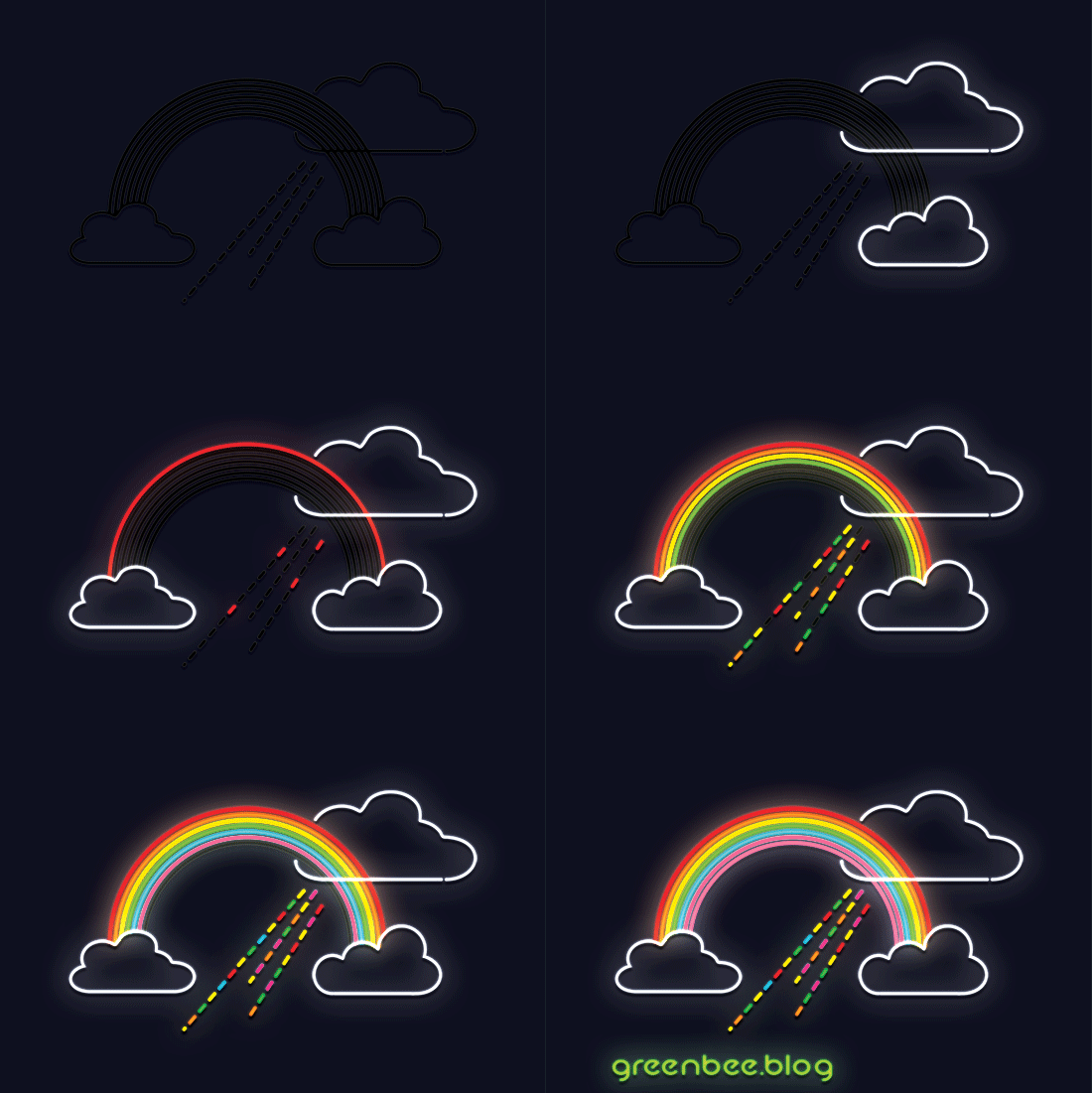
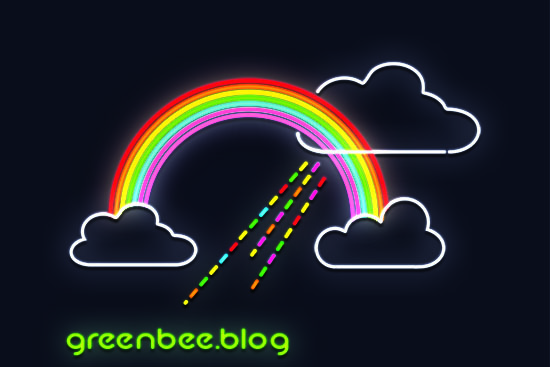
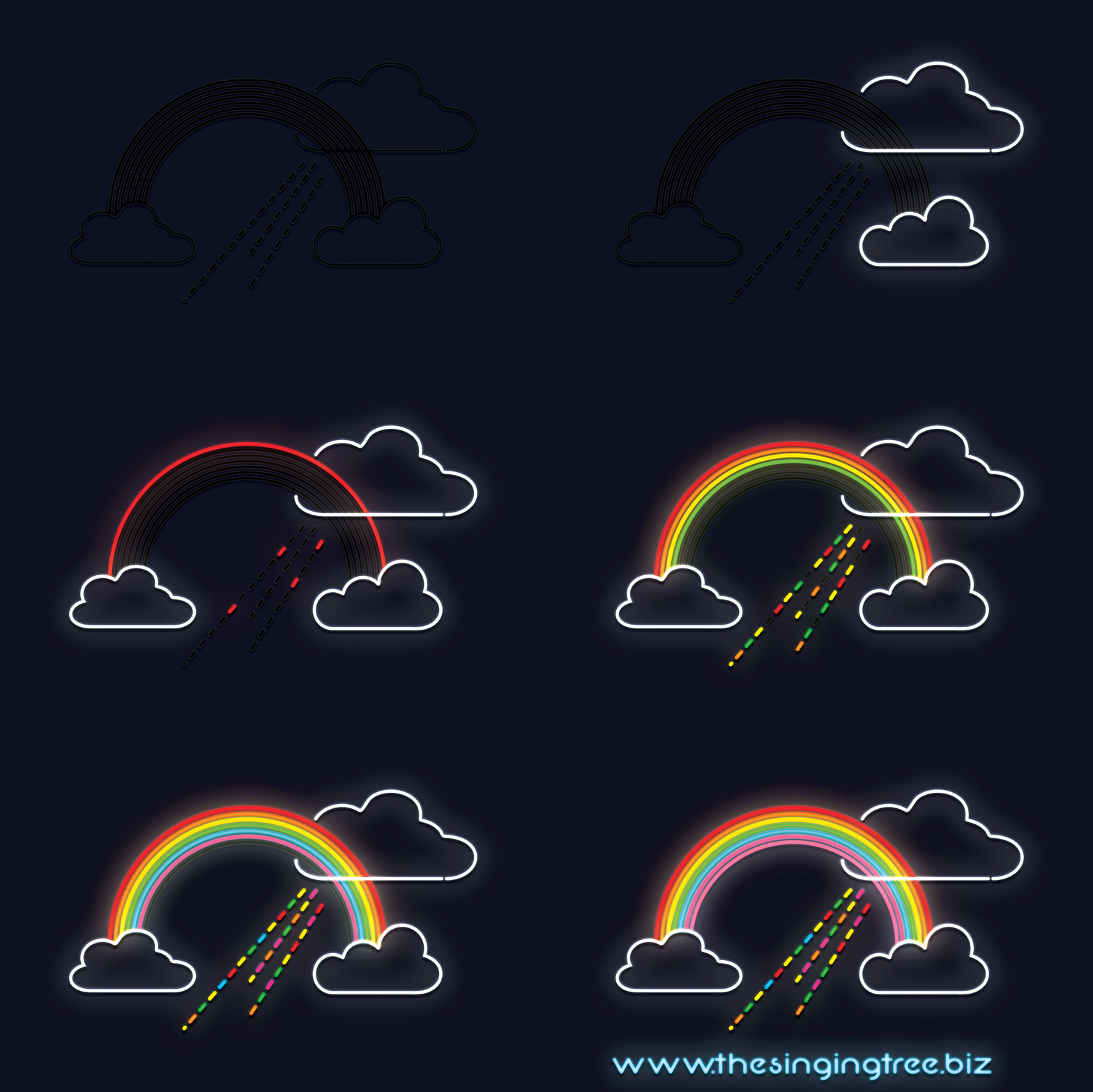
Rainbow neon sign effect
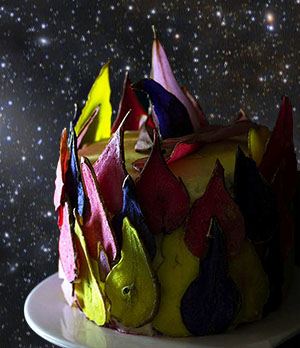
Somewhat in the spirit of Mrs Doyle getting a bit carried away and baking a jumper in a cake I have set the Virgo cluster constellation circling the pear slices cake I published a few weeks ago.
It was inspired by an Adobe tutorial for CSS which didn’t actually work. I sat looking at it then realised their tutorial had an error. It was transitioning an image from 0 degrees to 360 degrees, which of course, is zero to zero. Obviously, it wasn’t going to rotate anywhere. Anyway, I created the HTML and set the rotate command to 180 degrees and opened it in Chrome.
Then, like I said, I got a bit Mrs Doyle and made a silly video with a little soundtrack which is well worth listening to though the video is nothing more than the constellation going round and round my pear sliced cake…
The animation was created in Photoshop then imported into Premiere Pro to lay down the sound track.
The graphic above was created in Animate – I saw a video that used this effect and wanted to have a go myself. I ended up doing mine quite differently but the end result is the same. Check out the inspiration: https://www.youtube.com/watch?v=SuUjUDGAqt8.
I am upgraded to Adobe CC! The previous version was CS6 and a few years old. The new features across the whole suite is a lot to learn but I’ve been trying my hardest.
The video I’ve posted is a synergy of Photoshop, Illustrator, After Effects, Character Animator, Animate and Premiere Pro. It’s a work in progress with a lot still to do (the audio is awful – dunno why that’s so bad) but you get the idea. Stitching all the individual bits and pieces present sits own challenges and am still trying to work out how to include the Animate file (Adobe Fun posted above) into the video I’ve posted. Hannah is obviously looking and pointing in the wrong direction for the glass ball particle explosion so when I re-do it will reverse the background picture and ball (the picture is taken from Rosie’s Walk by Pat Hutchins – I love the sweet graphics). There are a ton of things to correct but I’m getting there. It all helps me learn and that’s the objective.

This mountain landscape was a happy little play in Illustrator to get used to the latest interface and icons. It was based closely on this tutorial: https://design.tutsplus.com/tutorials/how-to-create-mountain-landscape-in-flat-style–cms-28759
A reflective bubble in PSD is not difficult and looks kind of cool 🙂
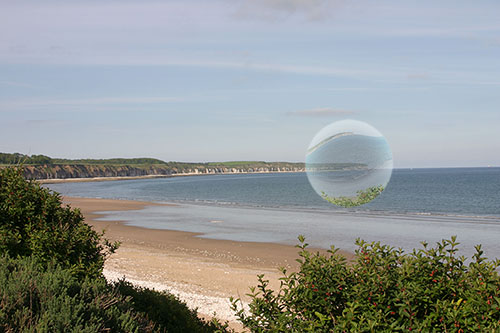
Download the tutorial here: Reflective PS Bubbles Tutorial
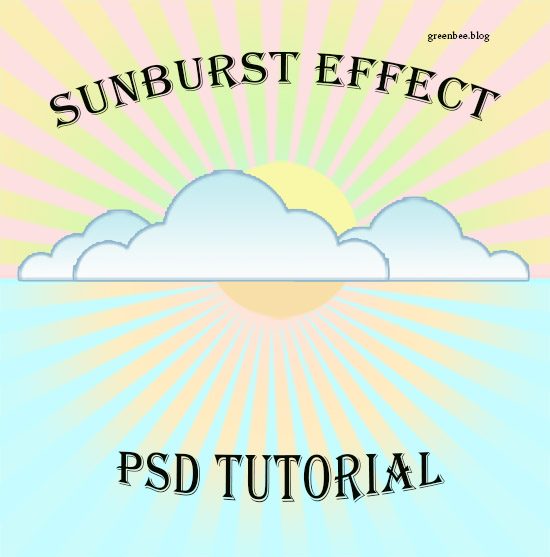
Creating a sunburst in Photoshop uses the Filter>Distort menu.
Spring is here. The sun is shining – le soleil brille! I’m not long back from a 4-day stay in Paris where I attended a series of workshops. People-centric writing, Citizen Data Science, video scripting, review of processes and tools…. interesting.
The building I was in had 14 floors with magnificent views. I could see the Sacre Coeur and the Eiffel Tower a little way in the distance. I’ll post a few pictures taken on my phone when I get a chance.
But am glad to be home. Hello Dublin! I booked a couple of day’s holiday and go back to work on Tuesday and tomorrow night I’m off to the Bord Gais to see Tosca so very excited about that.
In the meantime, am washing the international germs out of my clothes and chilling out a bit.
Finally, I put together a quick neon-sign effect video for fun (based on a tutorial on SpoonBlogGraphics site).
Ta Ra a bit!
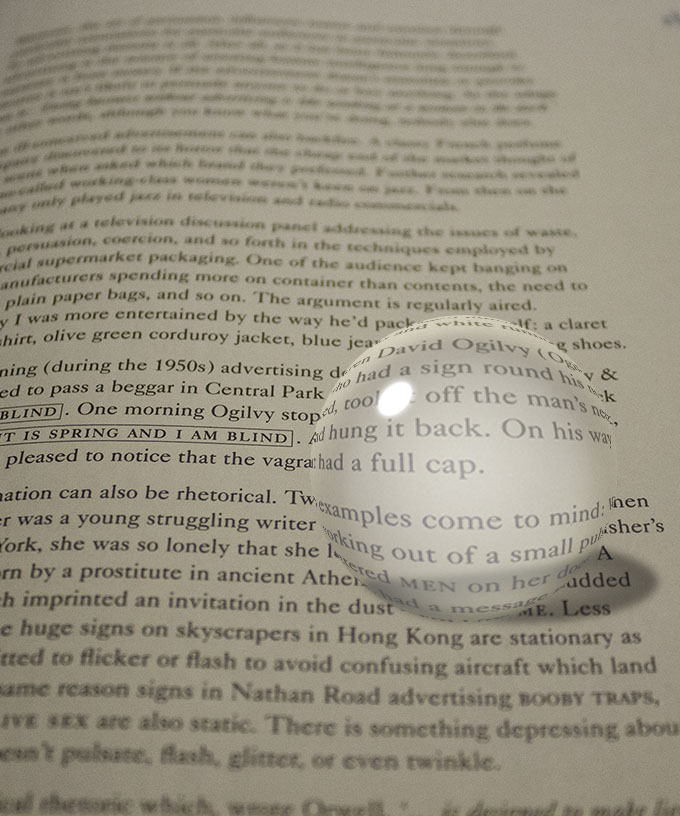
Wonderful effect created in PSD. Apologies for no tutorial. This was a post salvaged from my old blog, the singingtree.biz. I will try to find it.
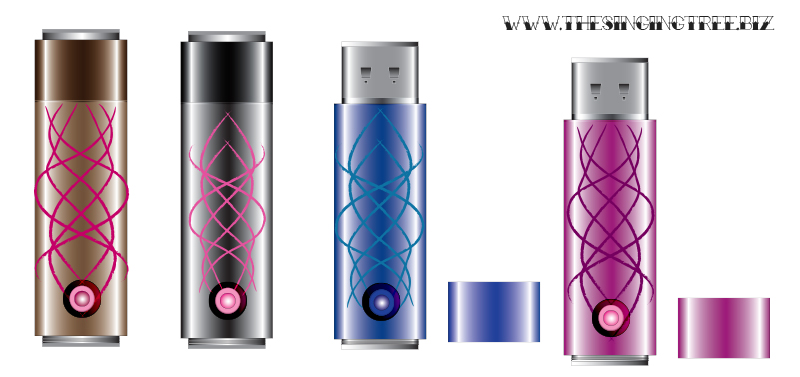
I made these USB sticks in Illustrator – they look pretty sensational. The credit is down to the tutorial I followed: ‘How to draw a USB Flashdrive. The link to it is here: Noupe.
So much amazing talent out there.
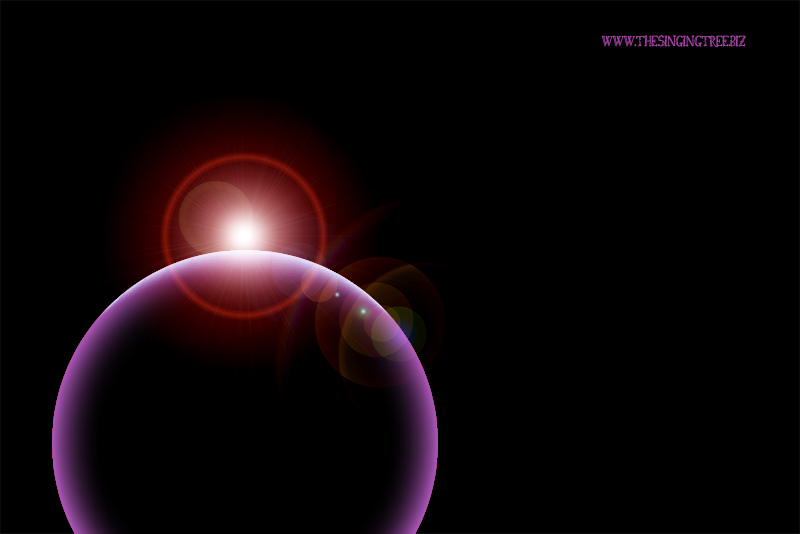
When I get a chance, I’ll write up the tutorial to make the glowing orb scene above. If you’re fairly familiar with Illustrator and Photoshop you can probably deconstruct the images and work out the technique. The orb is a simple ellipse with a gradient mesh applied and given a colour around the perimeter (Illustrator ). It was taken into Photoshop, given a dark background and highlighted with a Lens Flare and a few layer effects. There’s not much more to it.
As we get closer to Christmas, I start looking for Christmas Photoshop tutorials. I Google and check the images for something to inspire me and will, if the end result looks worth it, will spend the time and effort to recreate the effect. This is where I am at the moment…. searching and falling down bloody awful wormholes in Pinterest…
I found out recently that there is a way to exclude Pinterest from searches : type in the search term and append with -site:pinterest.com. It’s that easy. A pain in the bottom to do it every search but better than losing the will to live in Pinterest. If only people would include their URL or other contact information on images…
The weather is getting damper and chillier. The heating is on regularly and the living room is gorgeously cosy since we had a new fire put in a while ago. Both cats have large fluffy, padded catbeds in front of it and can often be found on their backs, feet up, sprawling across them. We even bought them an advent calendar from Lidl (for cats – filled with little cat treats).
Soup is becoming a staple as the weather gets colder. Made a big pot of chicken and vegetable soup yesterday. Some for tea and some to freeze for another day. The scents and smells of it while stirring with a long spoon (to let the devil come out of the steam) was mouth watering. It didn’t disappoint. We ate it with chunky wedges of granary bread – my absolute favourite is the low GI bread from Lidl, and that’s what we had.
Today is wetter and colder than yesterday so might have soup again for tea. There’s a nice thought.
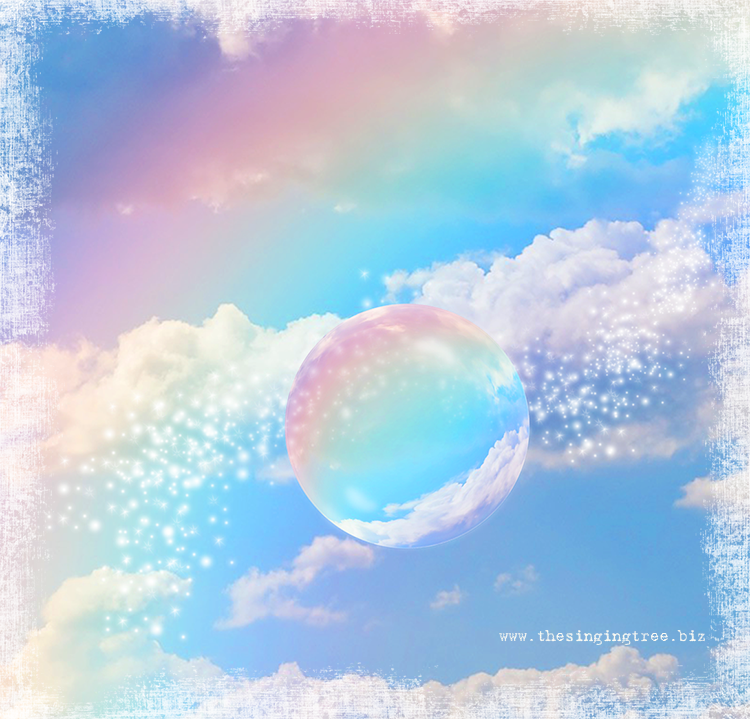
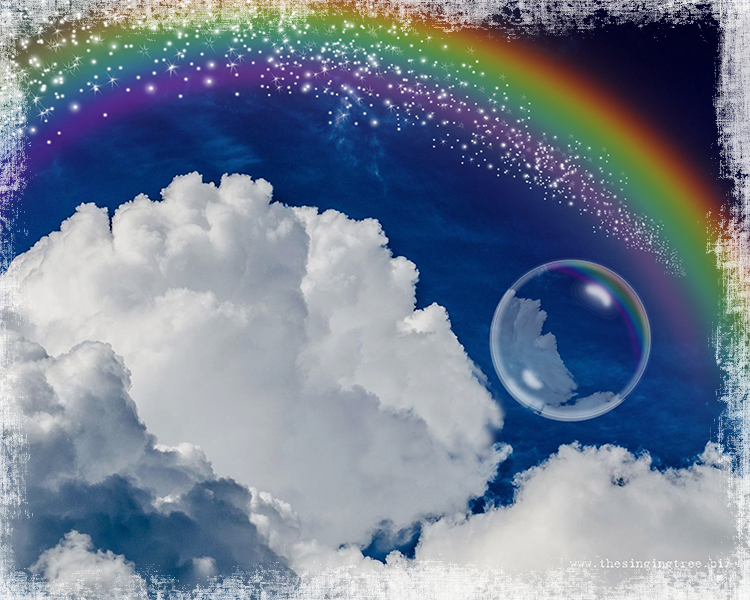
So, sparkles – frizzante – semi-sparkling rainbows to brighten the skies.
 No More Mondays