
Everything you need to make magic motion sparkles

Don’t we all have an inner child that sees magic in glittery sparkles streaming across a screen? Just for a second, don’t you feel the love? Everybody loves sparklers!

I’ve put together a quick learning video with everything you need to make sparkle paths using Adobe After Effects.

I give you the easiest, most straightforward way to make your motion sparkles without any unnecessary filler. You can add your own magic later!

Here’s mine. Simple but so pretty.

And here’s how.

You could draw the path in, say, Illustrator, and Copy>Paste into Aep onto a new Shape Layer and then copy the path from the Mask Path option from there to the Null Layer.

Hope you found it easy to follow and will go on to make many a beautiful sparkle stream with your magic!
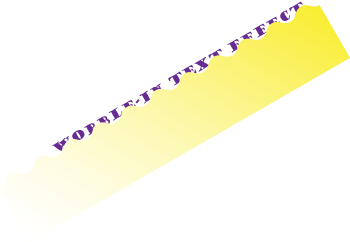

Create a Wobble-In Text Animation with After Effects

Have you ever watched a tutorial and felt a bit peed off when there was an animation that just wasn’t explained? An effect that just ‘made’ the whole thing? This happened to me when I saw the intro to a tutorial that included an uphill wobble effect that displayed some text as it moved.

I stumbled on the original You Tube just recently and worked out how it was done. It’s dead easy and I’ve put together a short tutorial for you.

It was done using an Alpha Matte. An alpha matte is placed below a layer to act as a mask (note it will use any pixel above 0% opacity). I created the shape above in Illustrator to animate the wobble-in.

And that’s all there was to it.

Hope you found it easy to follow. 🙂 (You may have to turn on HD display mode).

Create a jazzy background in a jiffy with Adobe Illustrator

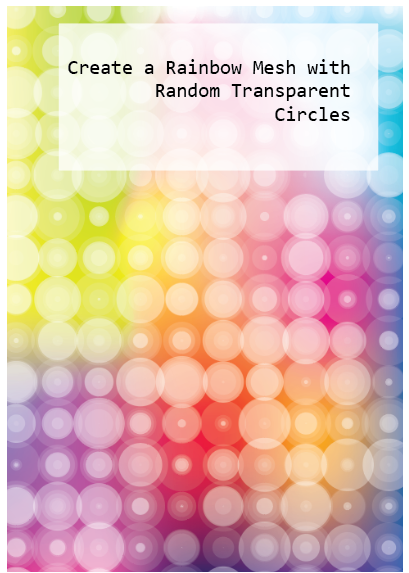
How about a Rainbow Mesh overlaid with circles of varying transparency? It has vibrancy, lots of colour as juicy as you like, and offers a refreshing antidote to the grey feel of last year. You can work this up to fit in with loads of design applications. Colour yourself happy 🙂

It looks like it’s a lot of work but it’s really easy to create and edit. I’ve written up a pdf tutorial for you here:

Tesselate Your Triangles with Live Paint in Illustrator

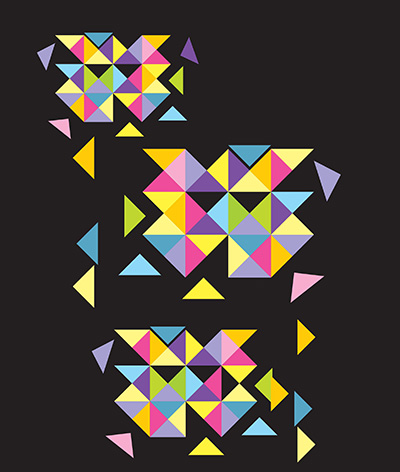
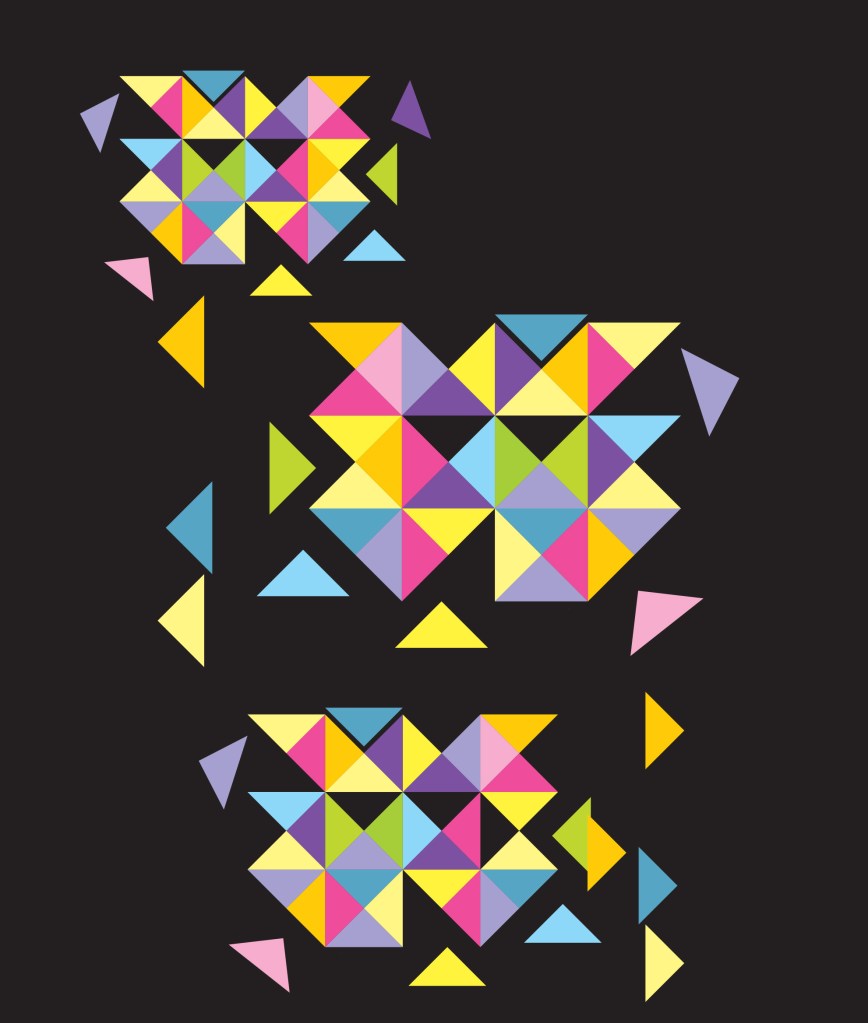
You need to whip up a colourful design that can suggest dynamics and direction. Geometrics is one way to go. Triangles. Dynamic planes of colour. But how? How much time do you have to create a triangle? give it a fill? go through aligning and offsetting…? So much to do, so little time…

Well, there’s an easy and quick way to whip up a whole kaleidoscope of tesselated right-angled triangles. (Angles make a big difference. My previous tutorial on tesselated trinagles was for equilateral ones, ie, 60° insides which don’t make up a square). You could use a hexagon to create them …. you’ll understand when you read the tutorial 🙂

But back to right-angles. These have 90° angles and will form a square and that’s the secret to their creation. Live Paint does the rest. Download my free pdf tutorial and get going.

One more thing

Want the Alt-code to insert a degree symbol? Save searching through glyphs?

Alt-0176 (numeric keypad)

Download my tutorial here:

Do you wonder if there’s a quicker way to do something in Illustrator?

Do you find yourself getting stuck in the middle of a design wondering how to achieve the image in your head? Then panicking about how long it’s taking you to figure it out? Then throwing the towel in and opting for something lamer but safer? Promising yourself you’ll make the time to find out for some future time? But that time never comes…..?

How about a quick cheat sheet? Lots of basic principles that strip out the mystery real quick so you can grab the technique and get going…

That’s what I’m posting today. A collection of quick tips on making shapes with Illustrator. Not really for beginners but not advanced by any means. Most are super easy and you’ll breeze through them 🙂

My cheat sheet includes uses for the Shapebuilder Tool, Live Paint, Pathfinder functions, Effects and lots of super stuff to get you running in no time.

See the graphic below? Pathfinder’s Divide function made it a cinch to create!

FREE
Download the cheat sheet below and get going:

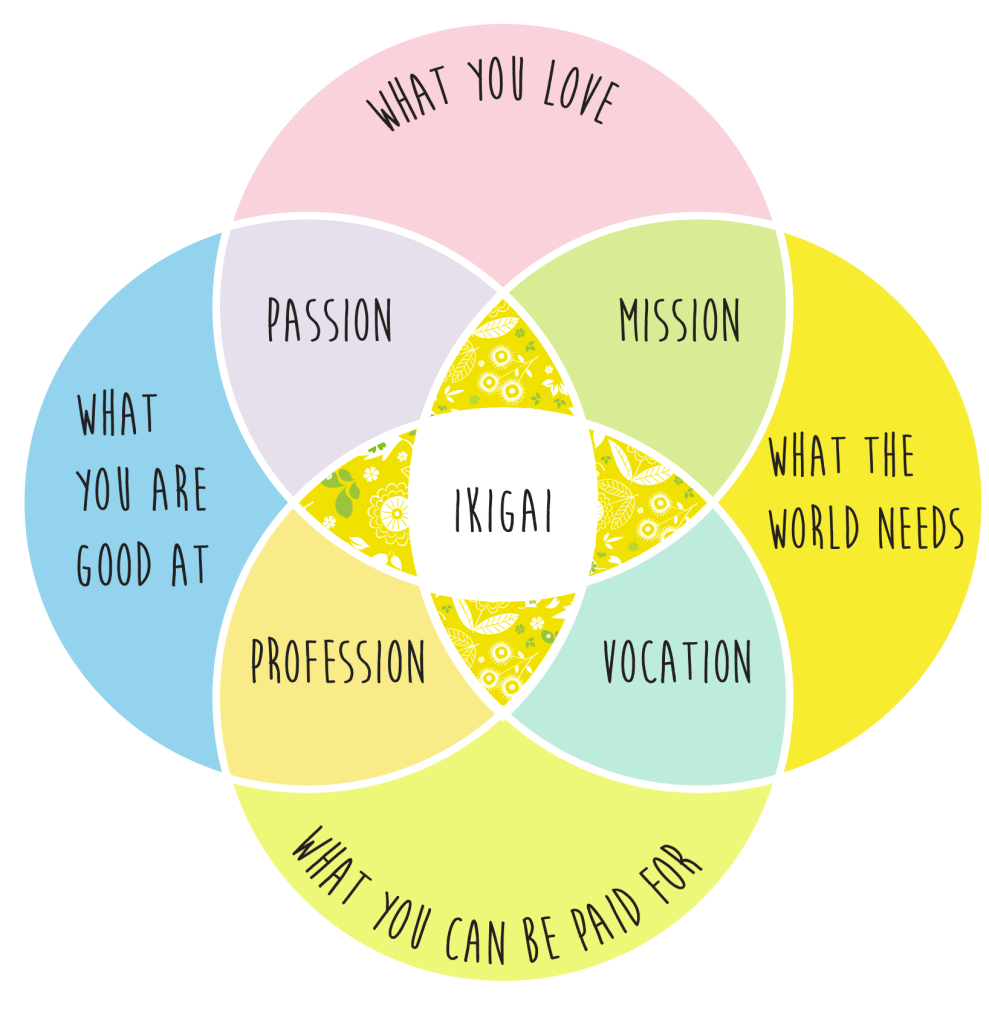
Create an Ikigai Venn diagram in Illustrator

The Japanese philosophy of Ikigai is the pursuit of happiness through being busy in a way that brings meaning and joy to your life.

If you know there is a passion inside you and a talent that gives your life meaning but don’t yet know what your Ikigai is, then your mission is to find it.

When you find joy in something meaningful to you and you’re good at it, you have found your Ikigai.

If you Google Ikigai you will frequently find the defining principles for determining your Ikigai depicted by a Venn diagram. Intersections denote shared or common attributes, the central one being the sweet spot, your Ikigai.

Here’s how to create an Ikigai (or any!) Venn diagram and be able to colour individual segments quickly and easily. Download the pdf here:

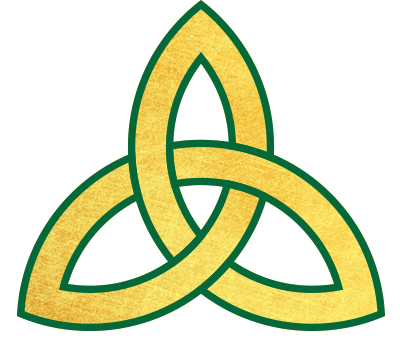
Create a Celtic Knot with Adobe Illustrator

Today I’m going to show you how to create a ‘triquetra’, also known as a “trinity knot”, a popular design element in Irish jewelry such as Claddaghs and wedding or engagement rings. Like all Celtic Knots, it’s comprised of interwined loops and lines that may look difficult to reproduce. Illustrator has the tools to make it an easy task.

Get the pdf tutorial here:

Create a Bokeh Background with Illustrator and Photoshop

Today’s tutorial walks you through the process of creating a gradient mesh in illustrator to make a coloured backdrop. It then takes you through the steps to make a bokeh brush in Photoshop and how to apply bokeh over your backdrop. Create a beautiful background image suitable for loads of different applications.

The free pdf tutorial is here:

Create a Reflective Glassy Ball in Adobe Illustrator

main pic

Today I’m posting a tutorial on how to create the reflective glassy ball as seen in the image above.

It’s based on kdigits video but has lots of changes all detailed in a step-by-step illustrated set of instructions. Mine is created with Illustrator cc but don’t think there are any new tools it uses that aren’t in CS6 or possibly CS4/5.

The tutorial is a free pdf download and hope you give it a go and enjoy it.

Glass Ball with Reflection

This tutorial was inspired by kdigits You Tube video:

Logo Design crystal marble ball https://www.youtube.com/watch?v=Iwk29syP3Kk&t=33s

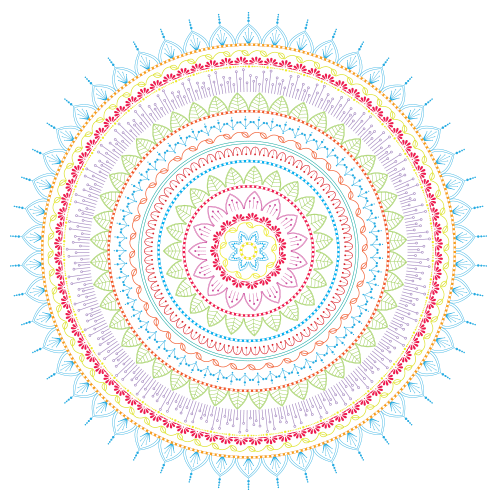
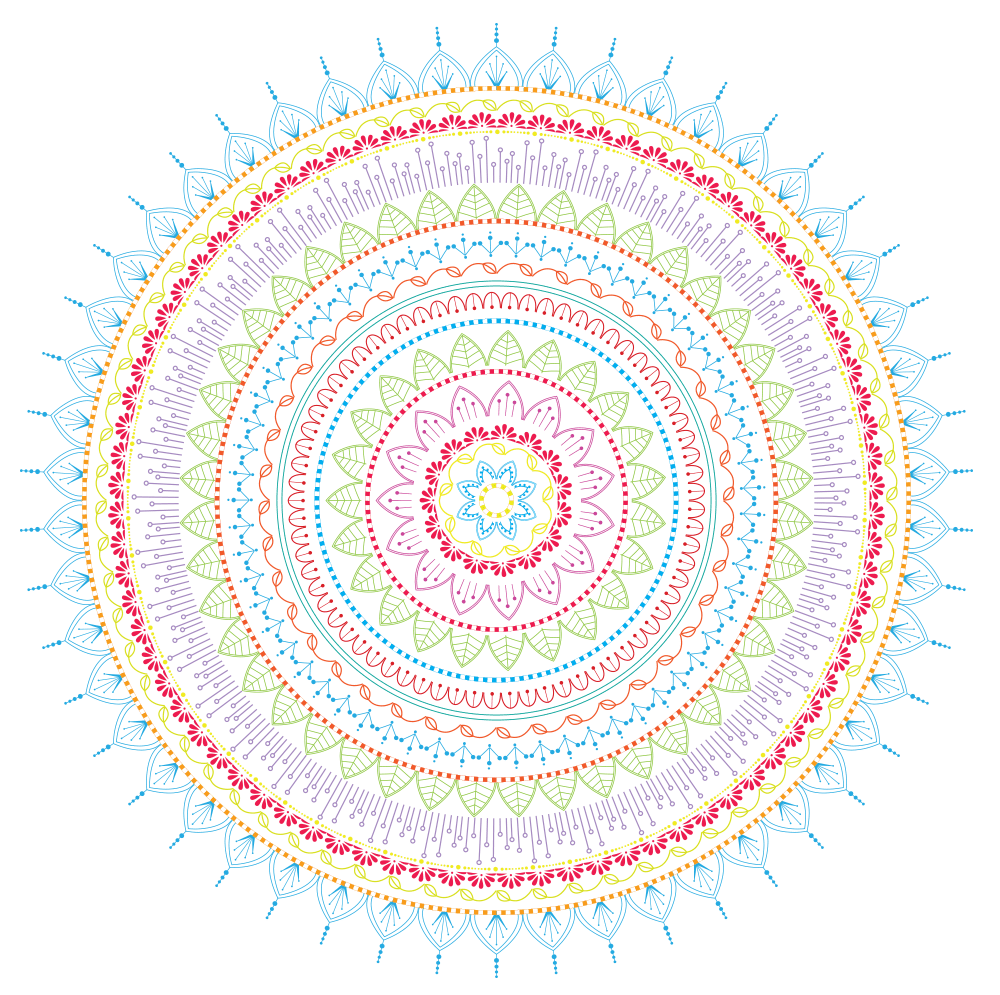
Mandala Element Brushes in Illustrator

Happy Earth Day!

Today I’m giving you a set of free Illustrator brushes to create some stunning pattern designs.

You don’t have to create mandalas, of course, draw any curve or line or shape and use the pattern brushes to decorate them any way you want. I’ve saved them as Tints so you can change colour without having to expand them.

Unfortunately, security on WordPress doesn’t allow me to share ai. or zipped files with you as downloadables. If you want them, just place a request via comments with your email and I’ll send them to you that way.

Bye for now 🙂