
A colourful tutorial for the darker days 🙂
Download the tutorial here:




Today ‘s tutorials are quick and easy techniques for filling in Illustrator and Photoshop text with background images.
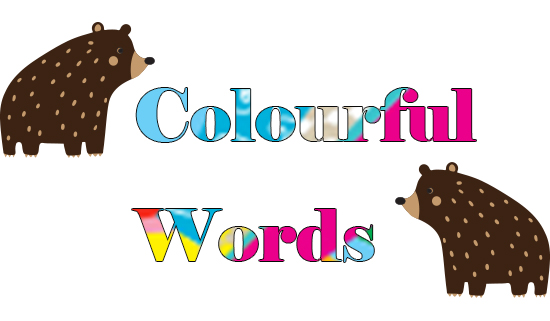
This screen shot below shows the layer order: Graphics layer above the text layer. The bears are on a separate layer.

🙂
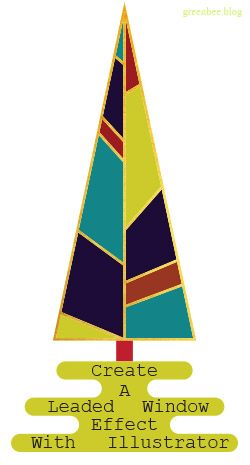
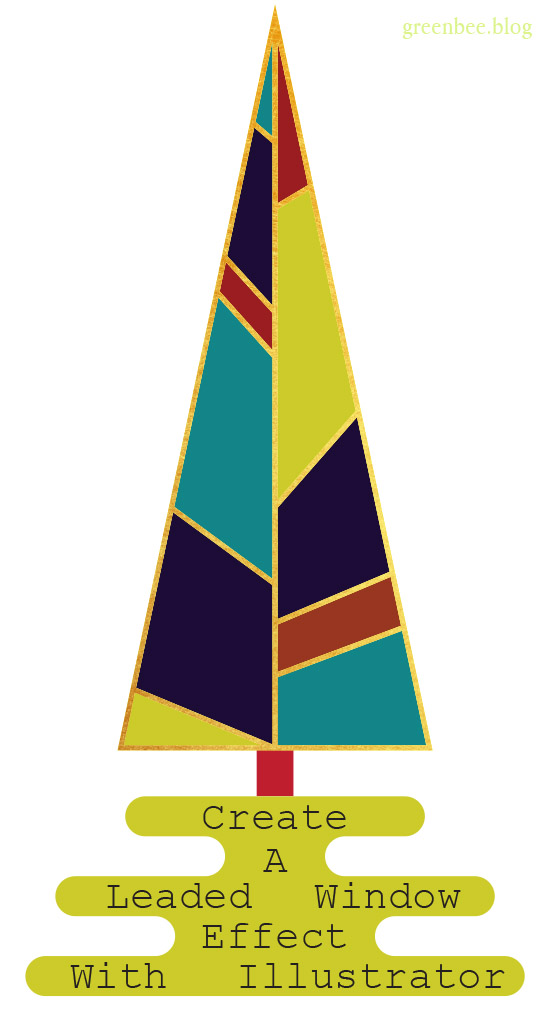
The individually coloured panels are what we’ll be creating in today’s tutorial. It’s a versatile effect that can be used for lots of different applications. I used it for the leafy design below.
🙂

Here’s the tutorial for you:
xoxoxo 🙂
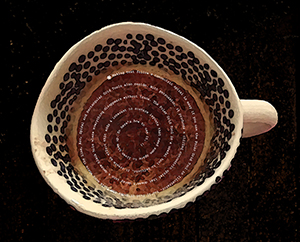
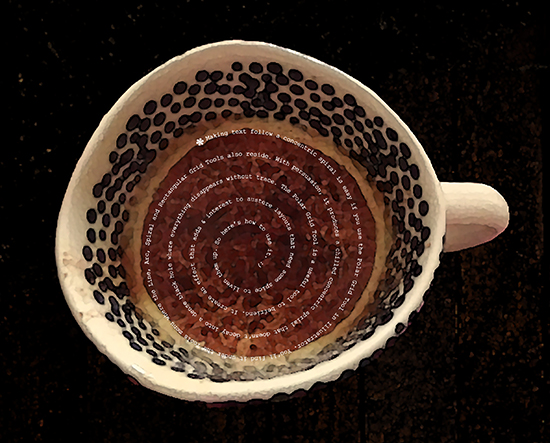
The Spiral Tool in Illustrator decays into an ever tighter and smaller turn and doesn’t work as a text path. It makes text increasingly illegible or clunky as it follows the spiral. This tutorial shows you how to make a concentric spiral text path.
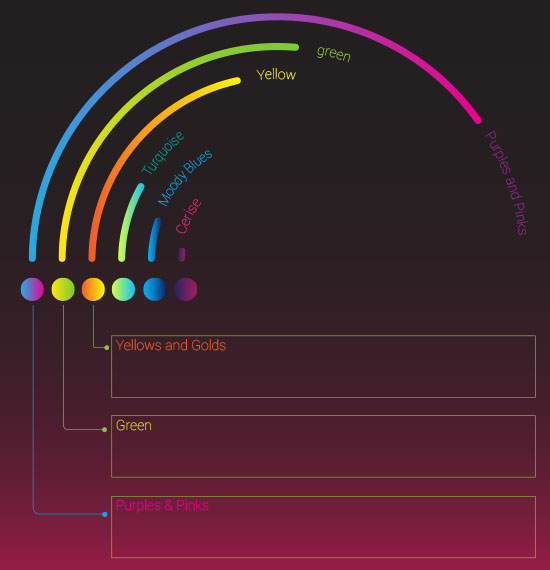
I’ve used concentric circles to create the framework for the infographic above so you can see an example of how the principles can be put to practical use.
*There are other ways to create concentric paths; you could create a circle then go to Offset Path to create perfect concentric circles without a spiral.*
Download the tutorial here:
xoxoxo
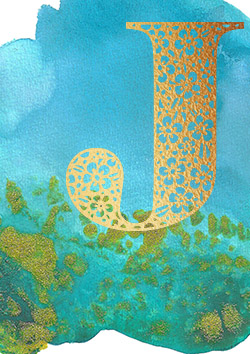

Did you know there is a word used to describe sentences that contain every letter of the alphabet? One example which has been around since at least the late 1800s is ‘The quick brown fox jumps over the lazy dog,”. They’re called Pangrams.
Am making good progress designing letters and working through the alphabet.
The montage above shows how far I’ve got with the designs in Illustrator.
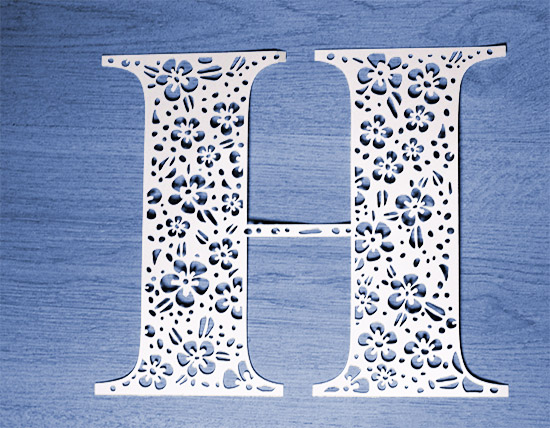

Some progress with ‘Q’ but I’ve been getting distracted with other letters and things:

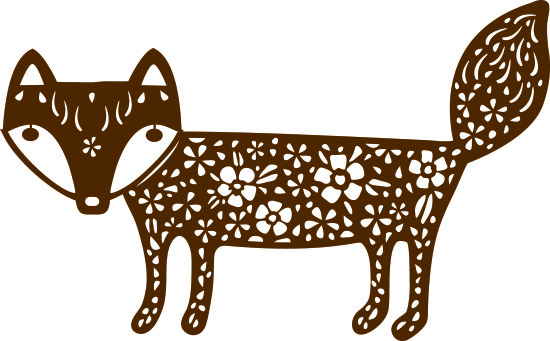

These still need some work. The small cuts in the butterfly are okay to cut manually but a cutting machine might have problems with them so will get round to enlarging them sometime.


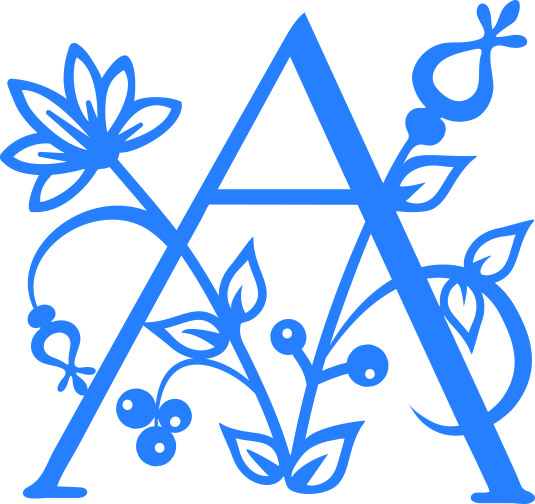


*Reposting from original blog The Singing Tree*

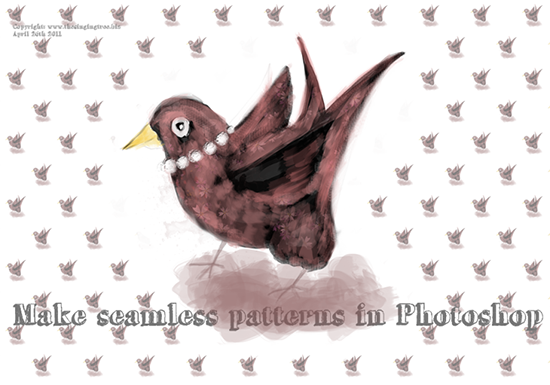

Do you ever get ratty with the Shapebuilder tool? The longer you use it, the slower and more painful it becomes? Pathfinder is your friend. Download the free PDF tutorial on how to use the Shapebuilder tool and, my preferred method, using functions from the Pathfinder menu.
 No More Mondays