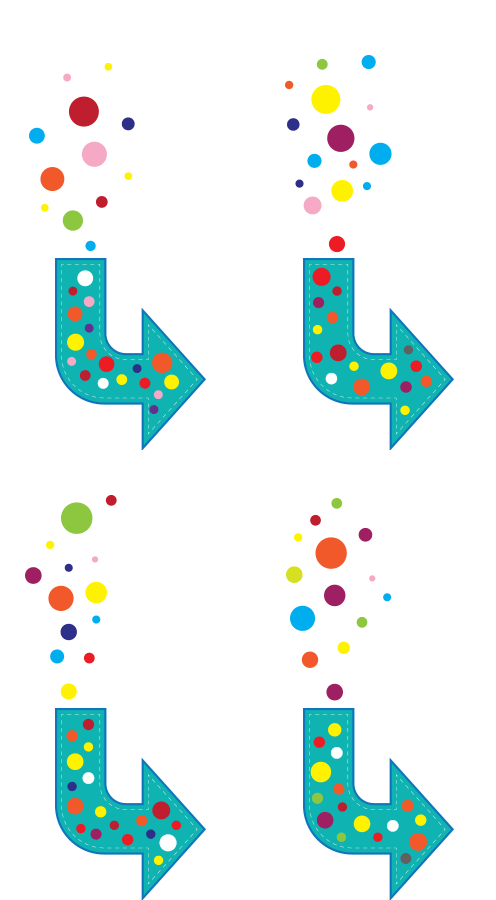
Today’s tutorial shows you how to make an animated download arrow (.gif)
using Illustrator & Photoshop. 🙂

Today’s tutorial shows you how to make an animated download arrow (.gif)
using Illustrator & Photoshop. 🙂


We’ve all seen those super infographics where shapes are broken into jigsaw pieces to denote stages in progress, etc. They can fool you with their seeming simplicity but there’s a bit more than meets the eye. Learning the techniques is worth a little bit of effort and I’m sure you’ll come up with brilliant designs that use the principles to convey information in a compelling way.
Today I’m giving you a three-in-one tutorial.
The tutorial is fairly long mainly because I’ve taken screen shots and documented each step. If you’re familiar with Illustrator you might find it a bit pedestrian but if you’re just getting going, there’s lots of things to learn in a friendly way. 🙂
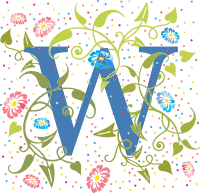
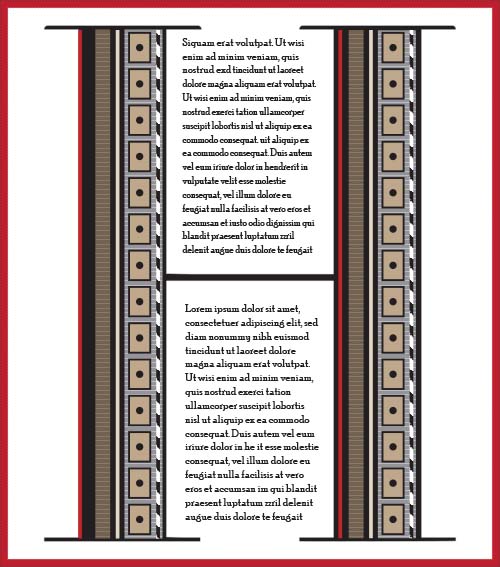
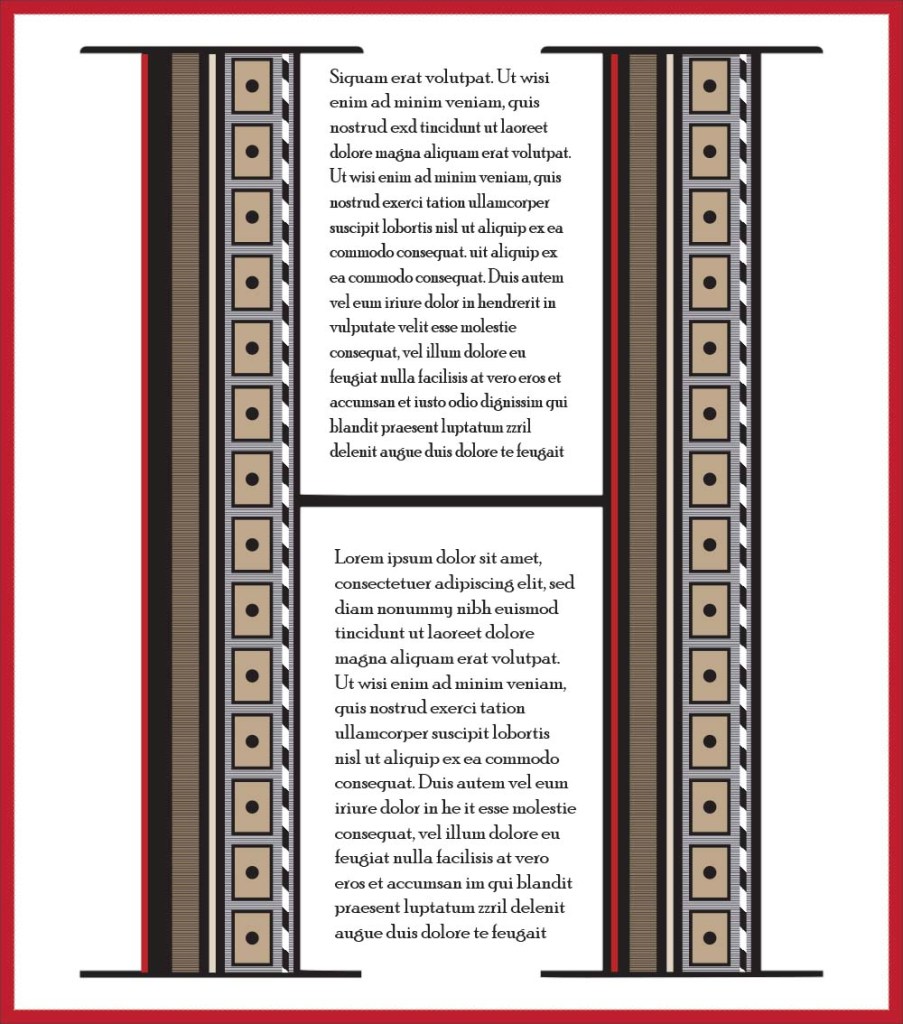
Today I’m giving you a tutorial, not how to create the same as above but lots of things you can create to fill a letterform. They’re mostly basic mini tutorials but if you’re new to Illustrator you might find them useful.


The Shapebuilder Tool gives you a nifty way to either unite or delete sections of overlapping objects in Illustrator.
The yin yang above takes about 5 minutes to create. Have a go: download the tutorial for the instructions:

This is Jess. She developed diabetes early last year and it’s taken a lot of experimentation, a couple of changes of insulin and various dietary changes to get it under good control.
She’s now a new woman. Still feisty with an attitude you can hang your coat on and still loves a fishy supper. Charlie calls her ‘the one with the breath’ but not so as she can hear him…
She’s my sweet girl and though she’s calmer than the fearful rescue cat from a few years ago, and she’s more Paws than Claws, I’m still careful around her. We love her to bits and after being with us 6 years now, this is her forever home.
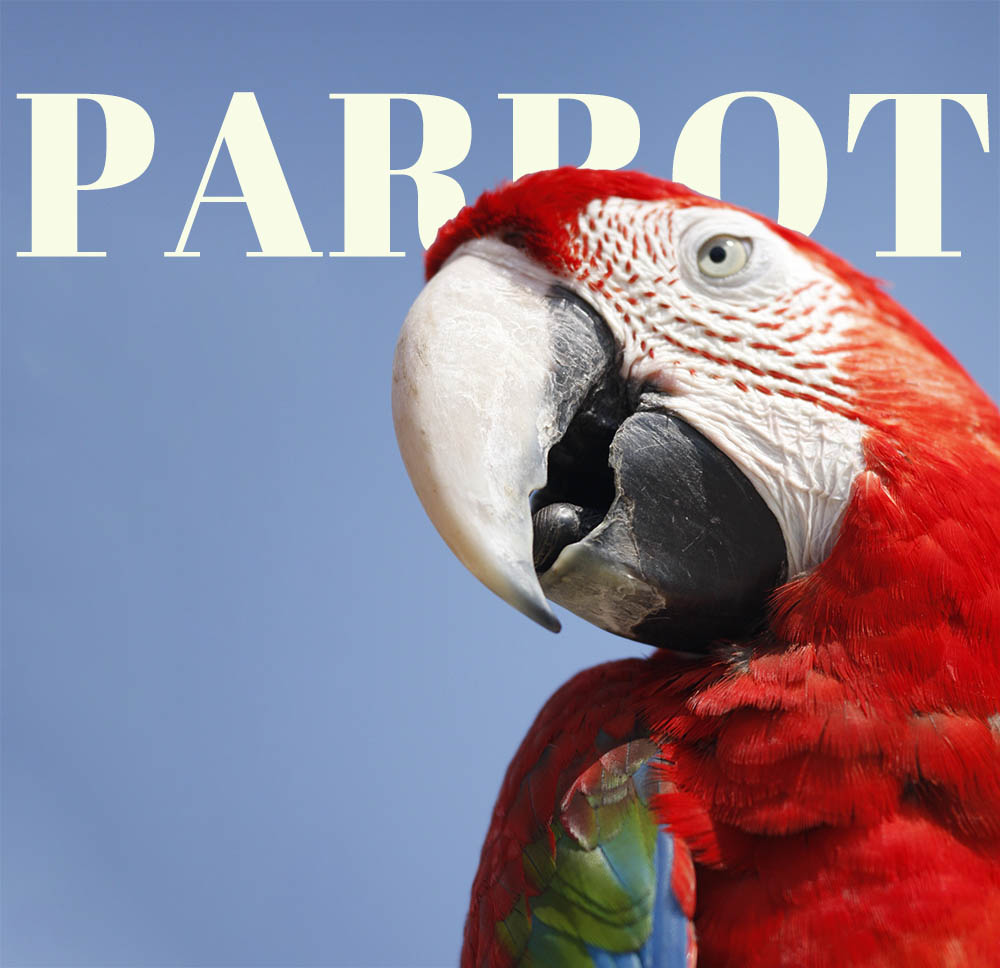
Down to business. Look at the image and you’ll see the text goes between her and the background. It’s actioned with a simple masking technique in Photoshop. If you want to know how to do it, download the pdf for the instructions:
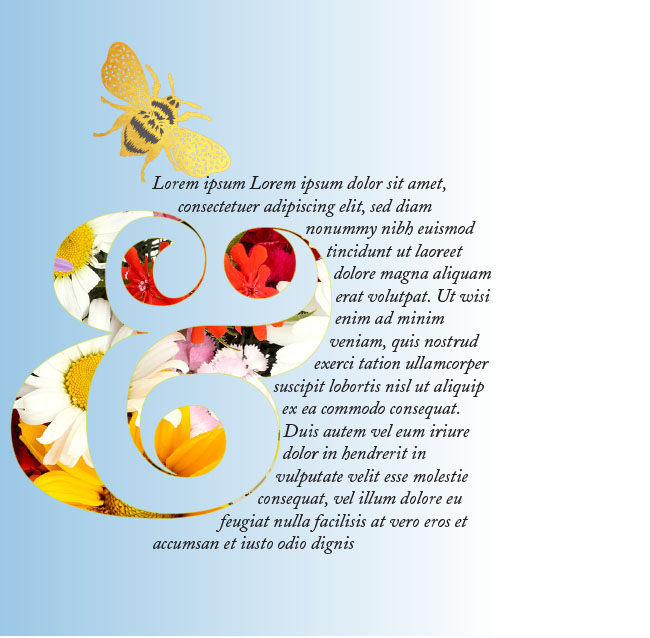
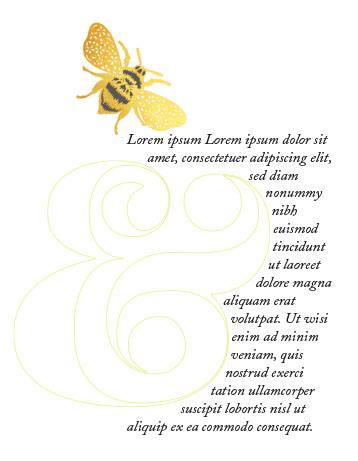
Use a text wrap to create a pretty visual effect as part of a layout. If the page lacks colour, you could also use a clipping mask to display some colourful graphics through the outline of a shape. I’ve used a lovely curvy ampersand to show you how I created the image above.
Download the tutorial to do it yourself:


Today’s tutorial shows you how to make faux postage stamps. They can be printed and made into stickers or used as fun elements on holiday letters and notelets. Make a whole sheet of them 🙂
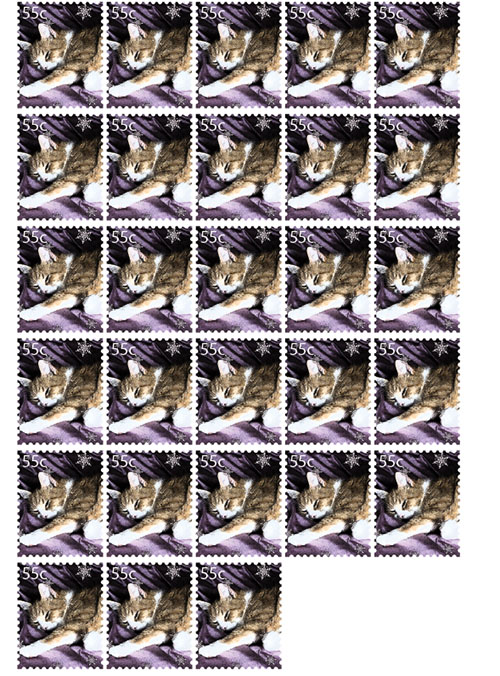
Download the tutorial here:
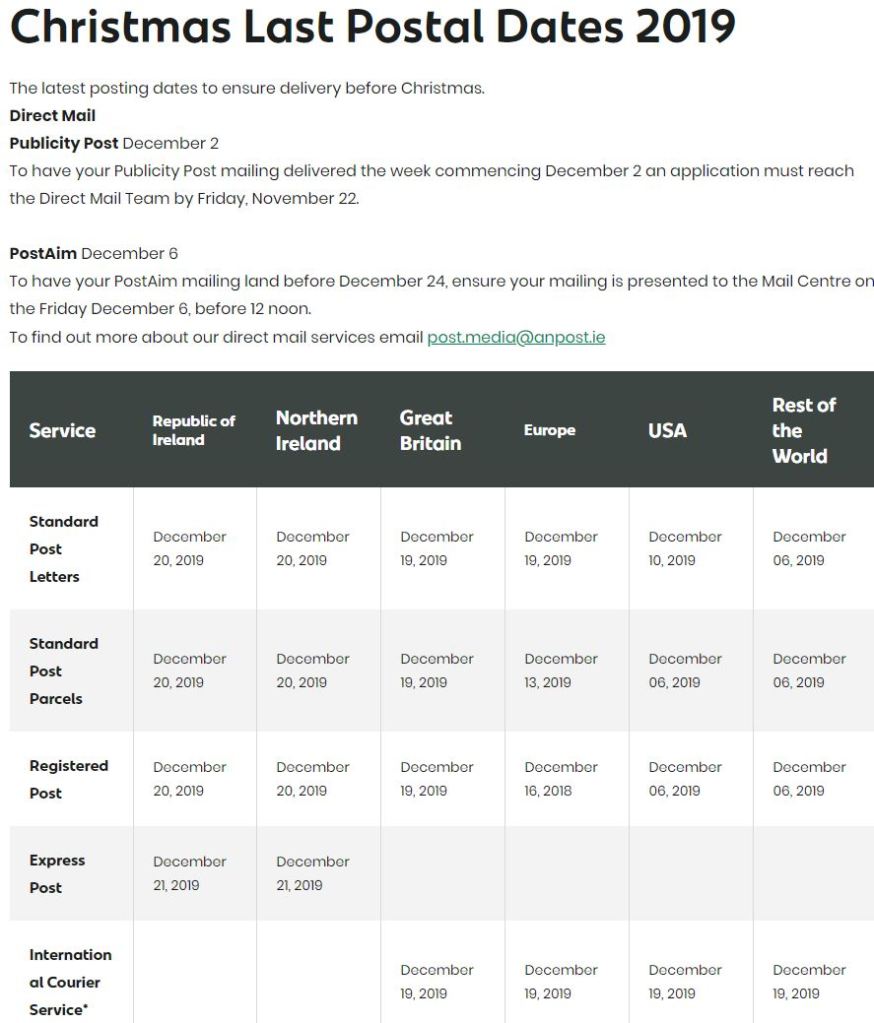
These details are taken from the An Post website (https://www.anpost.com/Post-Parcels/Sending/Christmas-2019/christmas-2018-postal-dates)
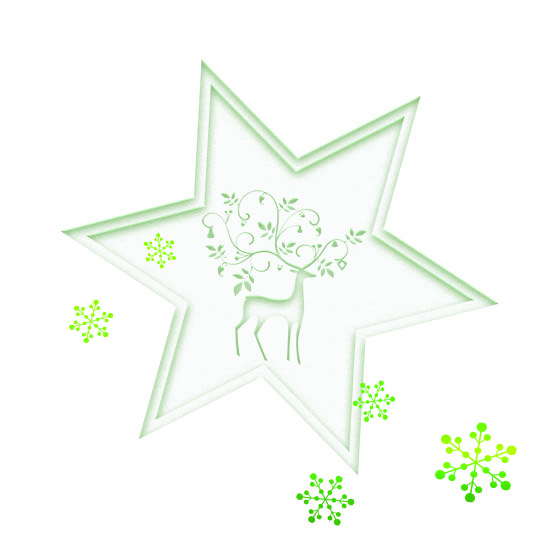
This effect is really easy to create. I’ve written up a tutorial and you’ll see how quick & easy it is. 🙂 You can play around with the basic settings and create lots of other fun effects like the waves below.

Click below to download the pdf tutorial:



 No More Mondays