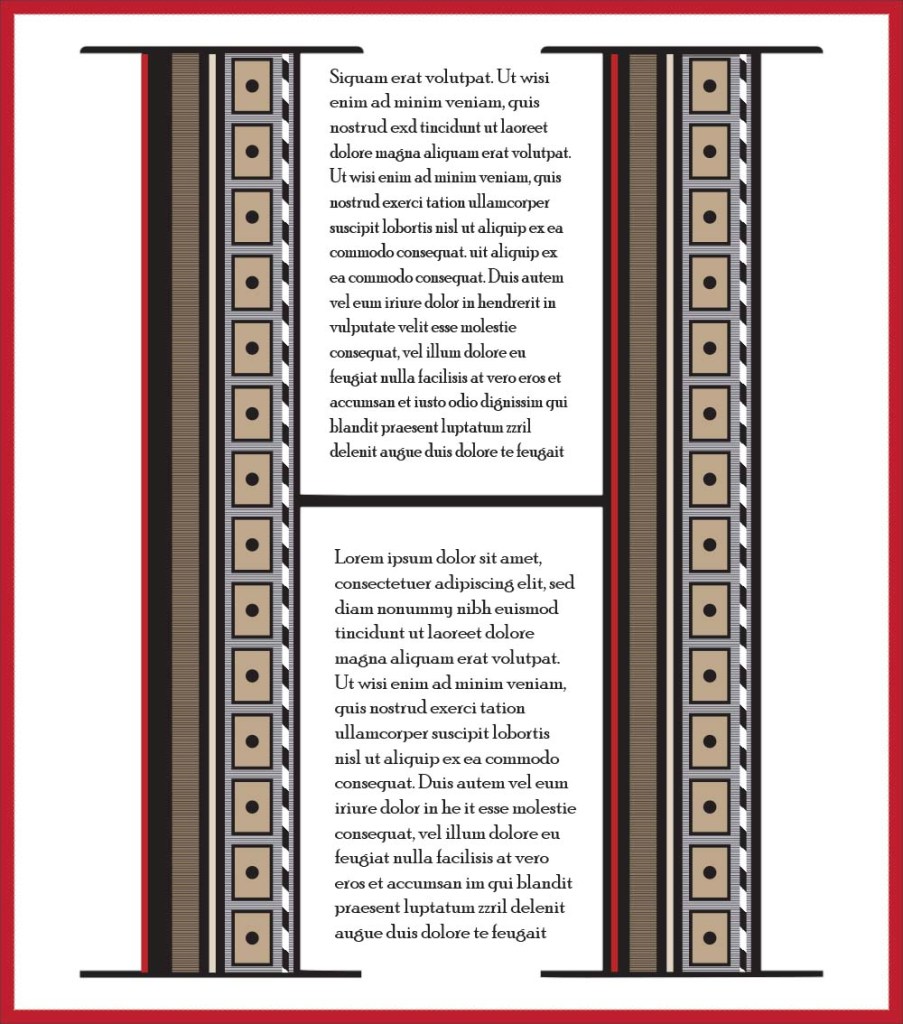
Today I’m giving you a tutorial, not how to create the same as above but lots of things you can create to fill a letterform. They’re mostly basic mini tutorials but if you’re new to Illustrator you might find them useful.

Today I’m giving you a tutorial, not how to create the same as above but lots of things you can create to fill a letterform. They’re mostly basic mini tutorials but if you’re new to Illustrator you might find them useful.
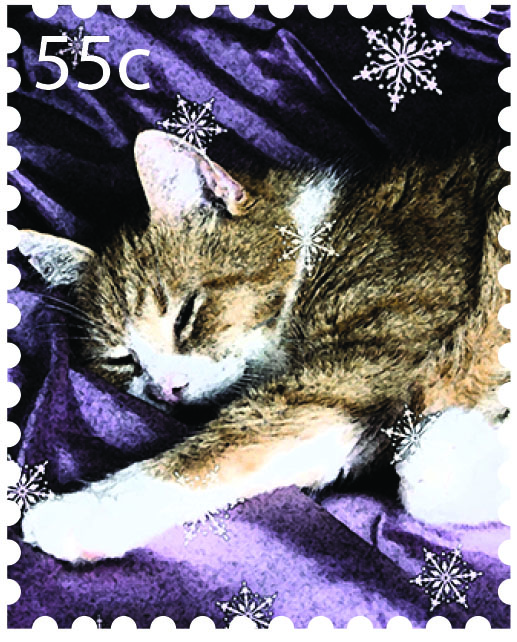
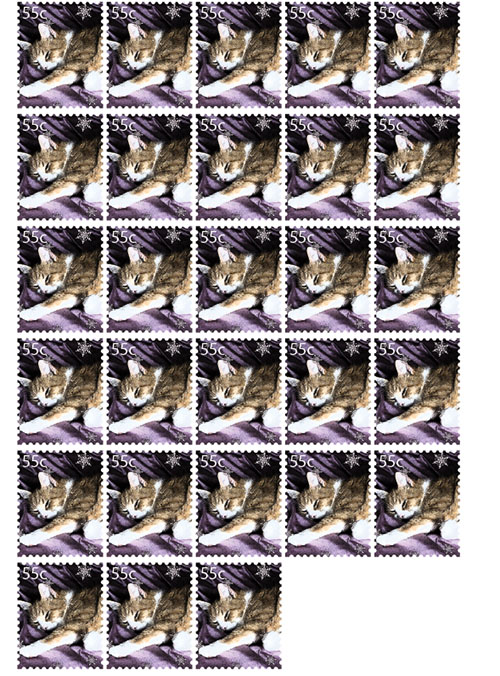
Today’s tutorial shows you how to make faux postage stamps. They can be printed and made into stickers or used as fun elements on holiday letters and notelets. Make a whole sheet of them 🙂
Download the tutorial here:
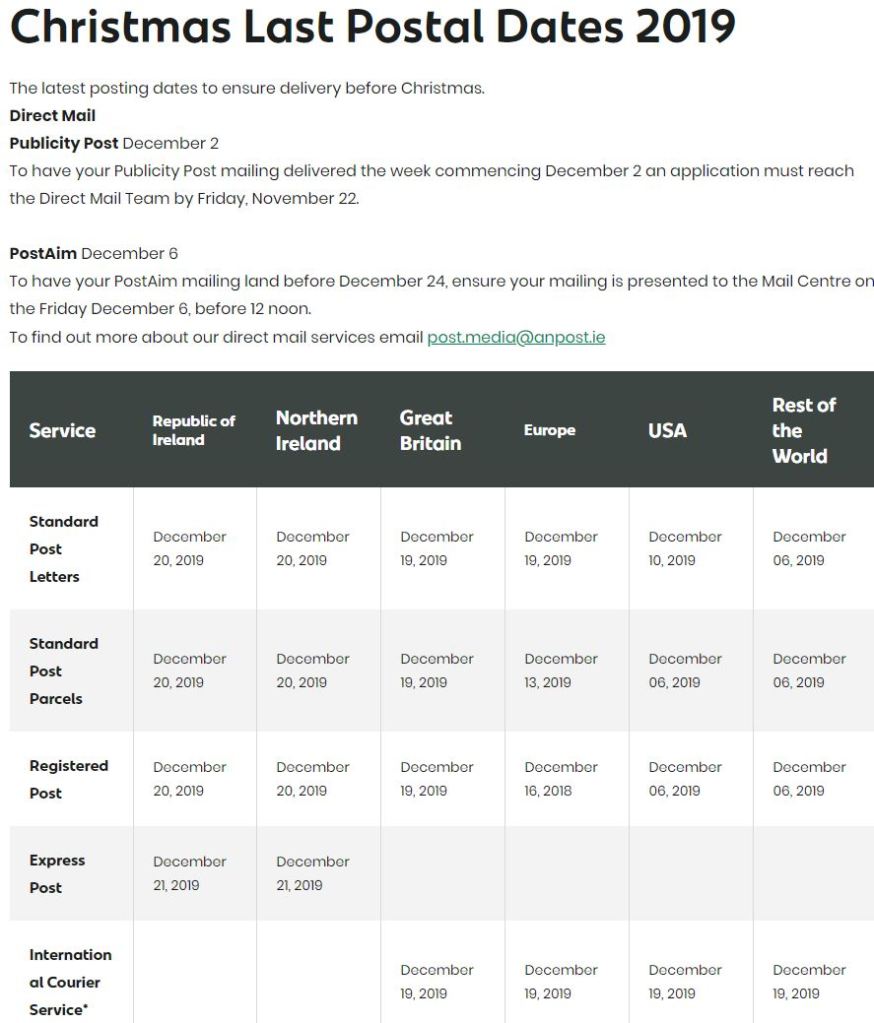
These details are taken from the An Post website (https://www.anpost.com/Post-Parcels/Sending/Christmas-2019/christmas-2018-postal-dates)

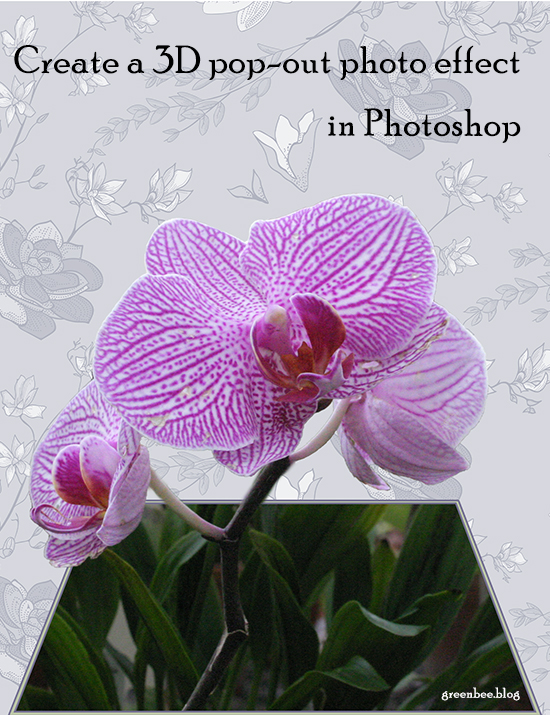
Today’s tutorial details how to create the effect of a photo popping out of its frame.
Download here:
🙂
Make an animated gif with Photoshop. I’m using CC but earlier versions, from CS5, maybe before, will also work.
Download the tutorial by clicking the green hare:

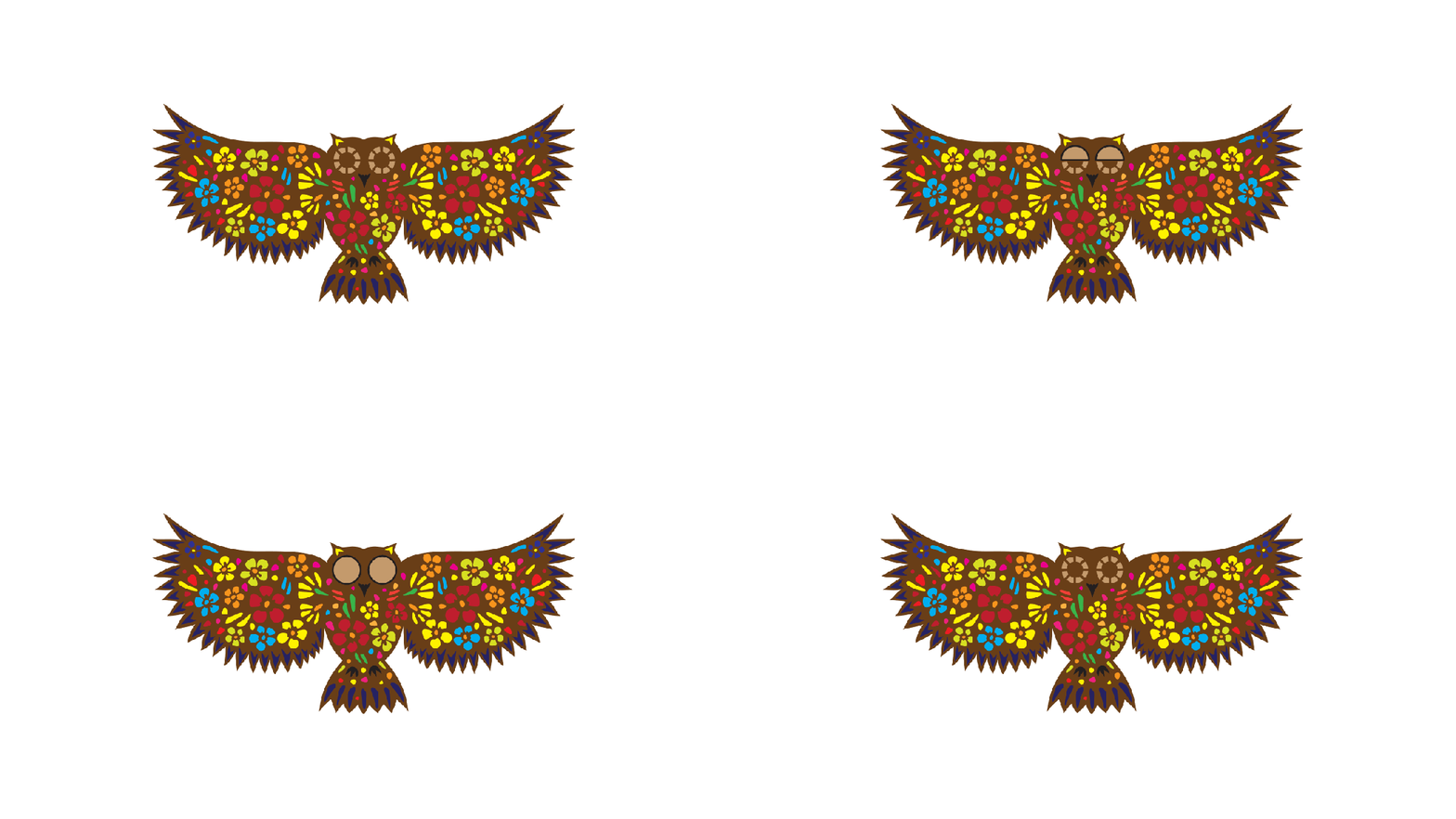
I don’t think the owl will have much luck catching a rabbit for dinner 🙂

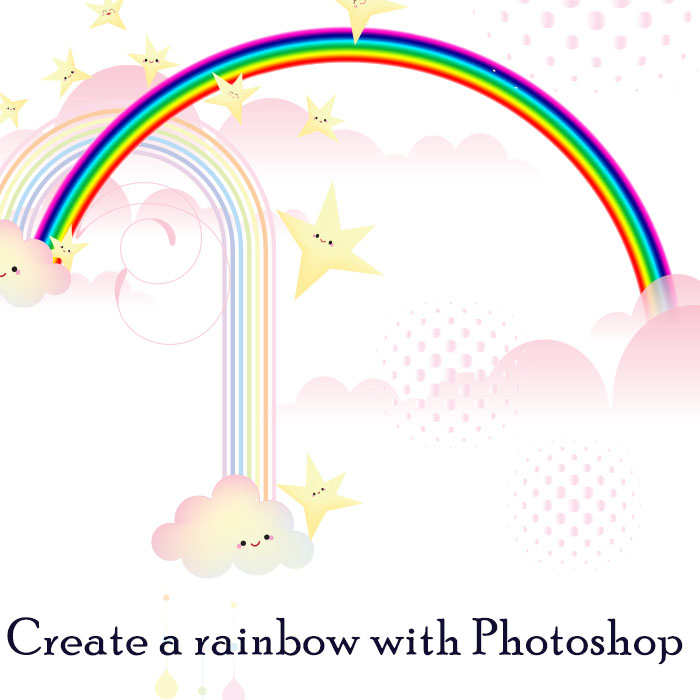
Today’s tutorial shows you a quick way to create a rainbow in PSD using Polar Co-ordinates. 🙂



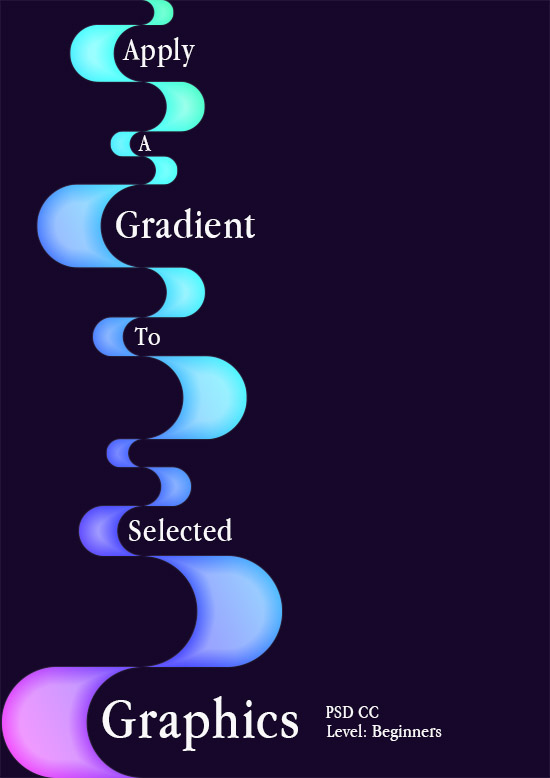
This is a really quick and easy tutorial to apply a gradient onto selected graphics rather than over a layer. It is particularly effective applied to thin strokes or outlined graphics to create an etched effect. 🙂
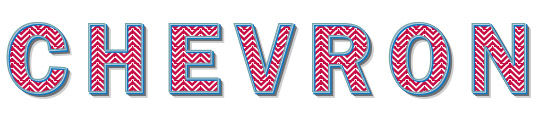
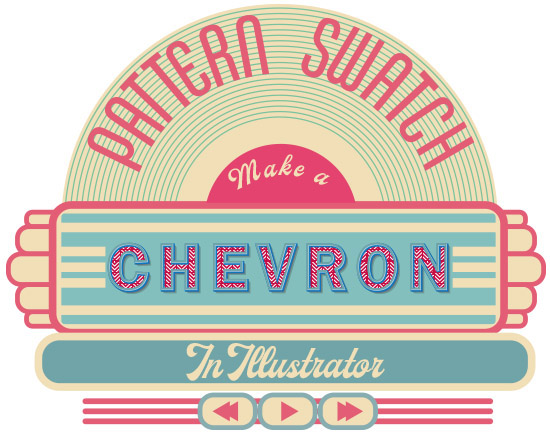
Make Chevron (or Ripple) swatches in Illustrator and use them to fill shapes. Download a full tutorial on how to do this here:
Save the Swatch palette to your pattern library and have it to hand whenever you need it.

*Reposting from original blog The Singing Tree*

 No More Mondays